
… caused by the WordPress plugin “Stream Video Player“. After an all-in-all pretty pleasant New Year’s, it made sure that everyday business returned to the nexTab.de office very quickly, or rather had to.
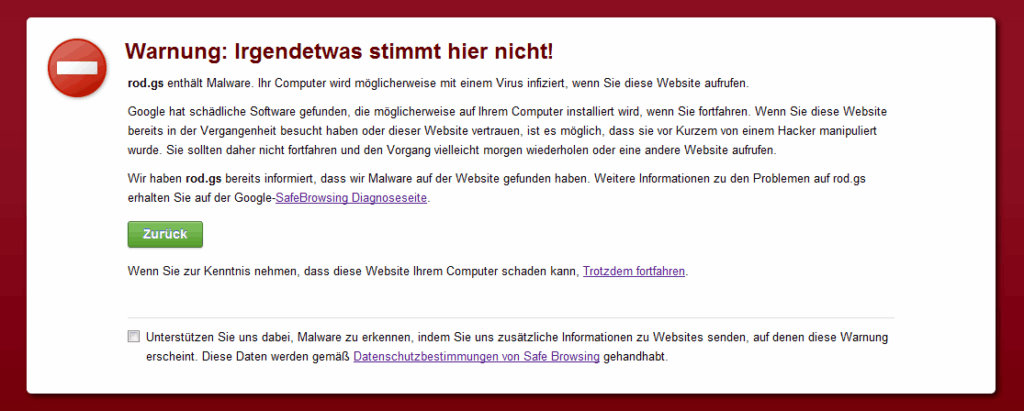
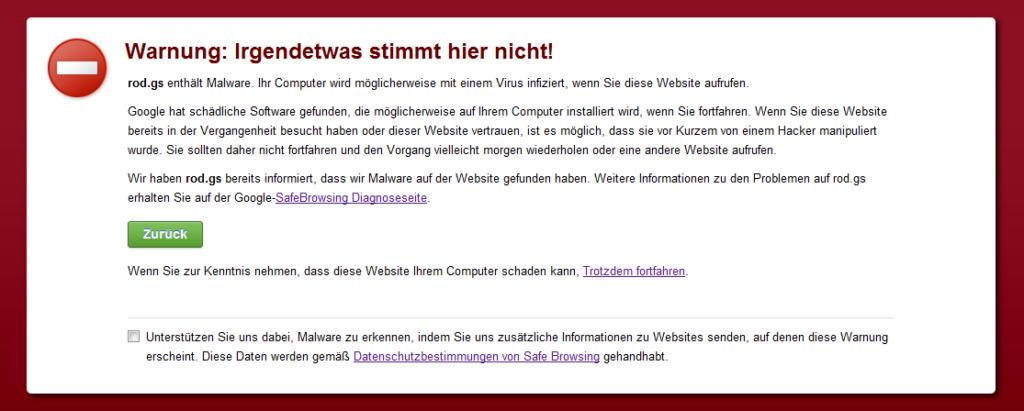
One of my clients, Majo, the head of the event and promotion agency JOKMOK, was quite surprised when he was denied access to his company website (which we had polished up) in Google’s browser Chrome. You’ll find a screenshot of the warning below, and maybe you’ve already come across it yourself while exploring the web.
Since I knew the site pretty well, having only recently moved it from a static site1 to the content management system WordPress, I was able to narrow down the error quickly. The message only appeared when a visitor went to a page with an embedded video. This was done using the plugin “Stream Video Player“, which had been doing a great job up to that point. One Google search later, I landed on the plugin developer’s website, where he shed some light on the matter.
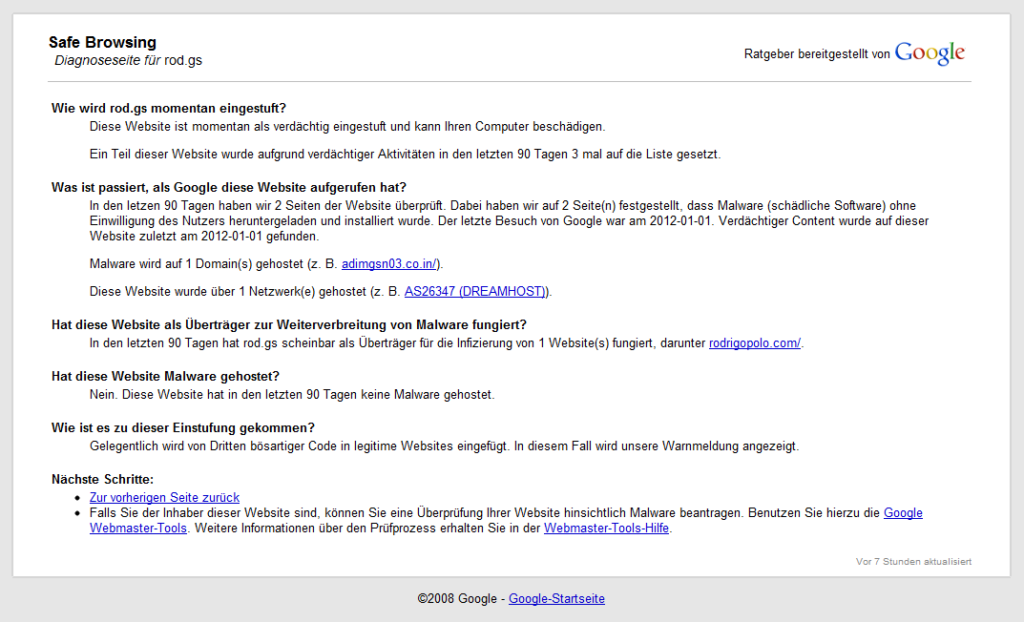
Within the source code of his plugin, he links to his own website. Since he wanted to shorten the somewhat longer URL, he used the URL shortener2 Rod.gs (comparable to bit.ly or Google’s own service goo.gl). Apparently, some people had used this URL shortener to redirect to malware sites. Not a particularly unusual occurrence – chances are that bit.ly links have also been used to link to one or two sites spreading malware, i.e. malicious software.
For reasons that weren’t specified, Google makes no exception for Rod.gs and doesn’t classify the site as a URL shortener. This then led to the site being wrongly flagged as a “distributor of malicious software”.
In concrete terms: The plugin is still safe and doesn’t attack the computers of visitors to your website. That may convince one or two visitors, but a permanent solution to the problem is far more important. Here, the author listed 2 easy-to-implement solutions (you only need to implement ONE of them and everything works as usual again):
- Update the plugin to the latest version
Unfortunately, this isn’t possible via the WordPress dashboard yet. But don’t worry, the plugin developer provides the latest version as a download (Stream Video Player 1.3.5 as a zip). Once you’ve downloaded the zip file to your computer, you just need to unzip it and then upload it to the server (the directory name is usually: “/wp-content/plugins/stream-video-player”). Simply overwrite all existing files.
I tested this solution myself and can confirm that it works. I’d estimate the effort for an experienced administrator (including understanding the problem) at around 10 – 15 minutes. - Modify the existing plugin
Open the file “stream-video-player.php” and replace the link “rod.gs/_SVP/5.7.1896/player.swf” with “http://rodrigopolo.com/_SVP/5.7.1896/player.swf”. Then save and close the file and upload it to the plugin directory on the server (the existing file has to be overwritten).
Refreshing the page should then also give you the desired result (I haven’t tested this solution myself, but I trust the plugin author on this one).
So all in all, a lot of fuss about nothing – an apparently false alarm from Google that causes a lot of unnecessary stress for website owners and the plugin developer alike.
If you need help fixing your site, I’ll be happy to update the plugin for you. Just drop me a line (contact page) – I’d charge a flat fee of €15 for fixing the error.
- Static sites can only be changed by editing the page’s source code directly. While that makes them a very clean solution, editing them requires at least some HTML knowledge, which not all site owners have. These days, dynamic websites based on a content management system are usually used instead. They let you change content easily and without any hassle. ↩︎
- A ‘URL shortener’ is a service that lets you shorten a long URL. ↩︎



Leave a Reply